


Sandboxes are used to test new programming code. Many software developers in cybersecurity also test potentially harmful software in sandboxes.
Without sandboxing, software or applications could get unrestricted access to all network user data and system resources. Many organizations use network sandboxing software to divert suspicious traffic from functional applications.
Malicious code can also be safely executed in sandboxes without endangering the host, network, or other connected devices. A sandbox on the prowl for malware adds a layer of defense against security risks, such as sneaky attacks and exploits that use zero-day vulnerabilities.
Sandboxing offers several benefits to safeguard networks and for businesses ready to accomplish their objectives. A few of the major benefits of sandboxing are mentioned below.
Sandboxing can take several different forms. While many businesses use them for testing, they can also be an effective tool for:
Sandboxes are more than just a tool for testing early-stage development. When used in all phases of project-level testing, quality assurance, ongoing operations, and support, they significantly help businesses with software development.
Sandboxes can isolate the execution of code as it’s being executed. Isolating code execution using sandboxes can be found in the following situations.
Based on what is being tested, a sandbox’s functionality varies. For instance, the setup and operation of a sandbox environment used to test malware differ from those of a sandbox used to test code for application updates. A sandbox must be isolated from production software to research malware and execute malicious code.
Every environment in a sandbox shares a few universal characteristics, regardless of how they’re used.
Sandboxes and virtual machines are two different technologies, but they have enough similarities that mixing them up is common.
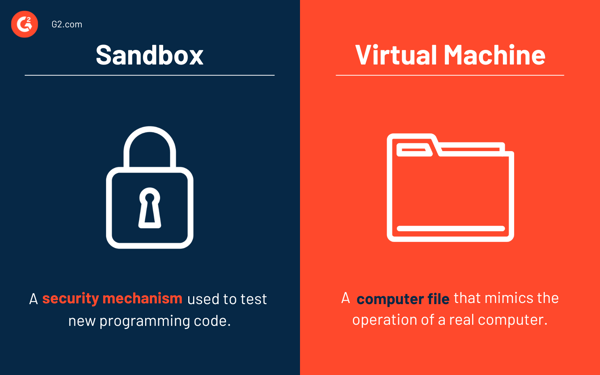
Sandboxing is portable and simple to set up. Users may encounter some difficulties in a sandbox, particularly in preserving changes outside of it. Changes might get deleted automatically once the user has finished testing an application and has closed the Sandbox.
A virtual machine is a computer file that mimics the operation of a real computer. These files are typically referred to as images. It can function as the user's entire computer. It can also run in a system window as a separate computing environment on a different operating system, similar to how users open a Google Chrome tab.
Learn more about cloud data security software to secure information on the cloud or cloud-based applications.


What is a Platform as a Service (PaaS)? Platform as a service (PaaS) offers a cloud platform...
by Sagar Joshi

What is middleware? Middleware is software that helps various applications communicate with...
by Sagar Joshi